Evidence Pipeline
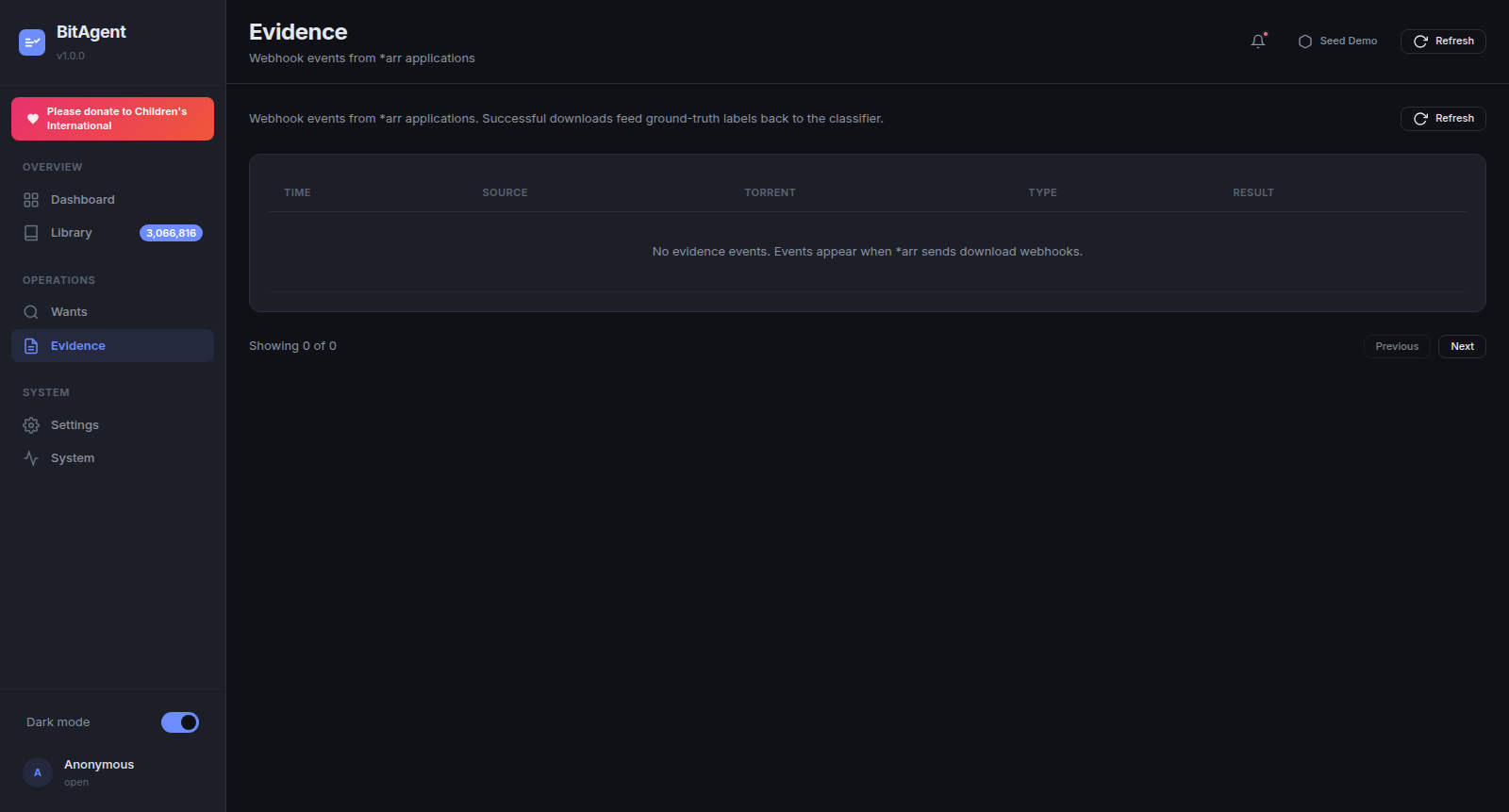
The Evidence tab is the closed-loop feedback signal that distinguishes BitAgent from a naïve Torznab provider. Every successful *arr import is a ground-truth label that flows back into BitAgent's classifier weights — over time, the classifier becomes sharper at distinguishing real releases from spam in the operator's taste profile.
Why ground-truth evidence matters
BitAgent's classifier is initially heuristic — it scores torrents from name + size + DHT metadata. But heuristic scores have a ceiling: spam packs that look real and real packs that look spammy both fool a name-only classifier some of the time.
The fix is feedback. The full loop:
DHT firehose
  → classifier (heuristic admit/reject)
     → indexed Library
        → Torznab response to *arr
           → *arr grabs the magnet
              → qBittorrent / Transmission downloads
                 → *arr imports + Plex/Jellyfin scans
                    → *arr POSTs webhook → /api/evidence
                       → BitAgent re-weights classifier on (name, verdict) pair
                          → next pass, similar names get the same verdict faster
Every loop tightens the classifier on this operator's library. Two operators with identical BitAgent installs and different *arr collections end up with subtly different classifiers — and that's the point.
Configuring *arr to fire webhooks
Same shape across Sonarr / Radarr / Lidarr / Readarr. Walk-through with Sonarr:
- Settings → Connect → Add → Webhook
- Name:
BitAgent Evidence - URL:
https://bitagent.example.com/api/evidence - Method:
POST - Triggers: enable On Grab, On Import (Existing File), On Import (New File). Skip other triggers — they're noise.
- Save
Click Test before saving. A 200 OK means the dashboard accepted the synthetic payload; check the dashboard's Recent Activity table — a synthetic test event should appear within a refresh tick. If you get a 401, see the Authentication section of the UI Guide — the webhook needs to either come from inside the trust zone (private network / private LAN, with REQUIRE_AUTH=false) or carry the DASHBOARD_API_KEY as ?apikey= in the URL.
Repeat for Radarr (Settings → Connect), Lidarr, and Readarr. URLs are identical; only the source application name on each event distinguishes them.
What gets logged
Every webhook POST writes one row to the evidence table. Captured fields:
- TIME — receipt timestamp (ISO 8601, dashboard-local).
- SOURCE —
sonarr|radarr|lidarr|readarr(parsed from the payload'sapplicationUrlorinstanceName). - TORRENT — release title + infohash (from the
release.releaseTitlefield). - TYPE —
grab|download|import. - RESULT — outcome flag normalised from the
*arr-specific success indicator.
The full payload is also persisted in the audit log (Settings → Audit Log) for forensic replay; the Evidence tab shows the structured projection.
RESULT semantics
Three terminal states:
- success — the
*arraccepted the file. Plays in Plex/Jellyfin. The strongest positive signal — the classifier upweights the (name pattern, verdict) pair. - failed — the
*arrrejected the import. Common causes: size mismatch (file shorter than indexed), codec mismatch (HEVC when profile wants AVC), truncated download, hash mismatch, malformed media. Strong negative signal — the classifier downweights the matching pattern. - duplicate — the
*arralready had this content (matched on title/quality). Neutral signal: the torrent was a real release, but the operator already has it. Used by the Library view to suppress duplicate entries.
Failed events are the most useful diagnostic data — they're often the smoking gun for either a misclassified torrent type or a *arr config problem (e.g. a too-strict quality profile). Sort the Evidence table by RESULT = failed to triage.
How the classifier uses evidence
Evidence rows accumulate (name regex pattern → verdict) pairs. The classifier consumes these pairs at the next training cycle (default: nightly, configurable in Settings → Classifier).
Concretely, for a candidate torrent name N:
- Heuristic score
H(N)from the existing rule weights. - Evidence prior
E(N) = sum(weight × similarity(N, evidence_pattern))across all evidence rows. - Final admission verdict:
H(N) + λ·E(N) > threshold.
λ (the evidence weight) is exposed in Settings → Classifier — start at 1.0, lower it if you suspect overfitting to a specific show's naming, raise it if the classifier is admitting too much spam after weeks of feedback.
The longer the evidence log gets, the stronger E(N) is. After ~100 rows the classifier visibly tightens; after ~1000 it's noticeably better than a fresh install.
Privacy
Every evidence row stays local to the dashboard's SQLite sidecar (bitagent_ui_data volume → /data/bitagent-ui.db). Nothing is sent upstream — not to BitAgent.org, not to TMDB, not to any third party. The classifier weights derived from evidence also stay local.
To purge evidence (e.g. before sharing a snapshot, or to reset classifier bias), open Settings → Audit Log and use the bulk-delete control. Evidence is preserved across container recreates as long as bitagent_ui_data survives — destroy the volume only if you mean to fully reset the operator profile.